Best Sellers

A handpicked selection of top-selling printers across all major brands

HP
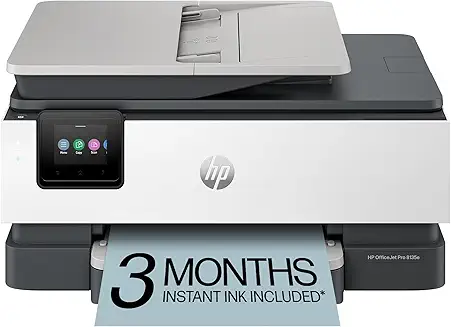
HP OfficeJet Pro 8135e Wireless All-in-One

HP OfficeJet Pro 8135e Wireless All-in-One

All-in-One Color Inkjet

4.4 (2,130)
Price: $159
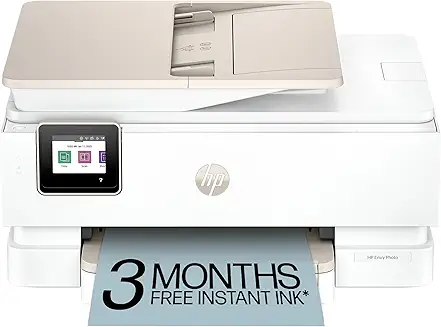
HP
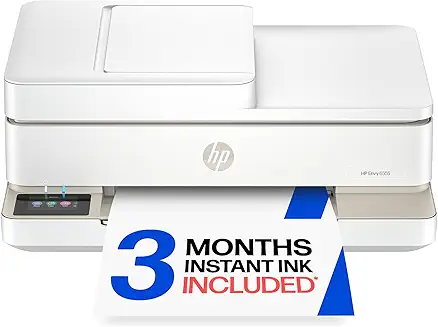
HP Envy 6555e Wireless Color Printer

HP Envy 6555e Wireless Color Printer

Compact Home Color All-in-One

4.2 (3,120)
Price: $179
HP
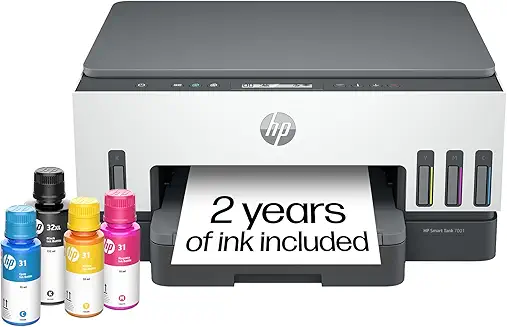
HP Smart Tank 7001 Wireless Supertank

HP Smart Tank 7001 Wireless Supertank

Refillable Supertank All-in-One

4.3 (3,650)
Price: $429
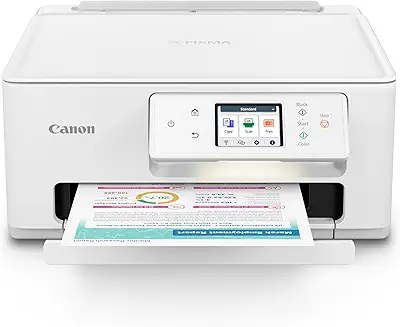
Canon
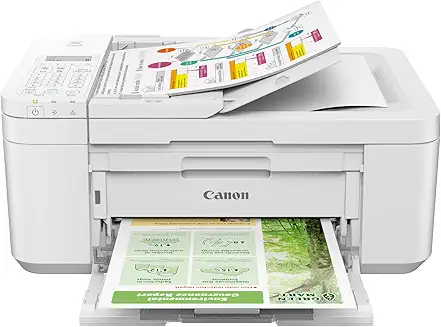
Canon PIXMA TR4720 Wireless All-in-One Printer

Canon PIXMA TR4720 Wireless All-in-One Printer

Wireless Home Office All-in-One

4.2 (4,580)
Price: $79
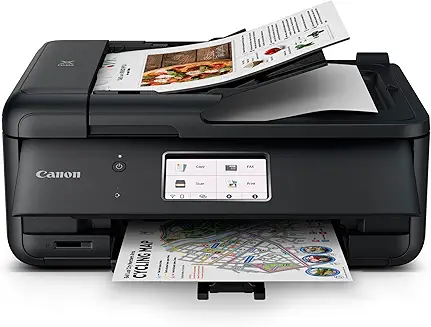
Canon
Canon PIXMA TR8620a All-in-One Printer

Canon PIXMA TR8620a All-in-One Printer

Wireless Home Office All-in-One

4.5 (3,842)
Price: $192
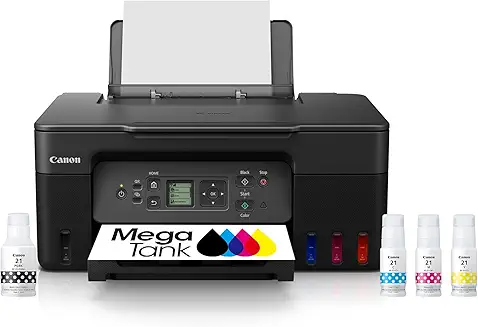
Canon
Canon MegaTank G3270 Wireless All-in-One

Canon MegaTank G3270 Wireless All-in-One

Supertank Inkjet All-in-One

4.3 (1,930)
Price: $229
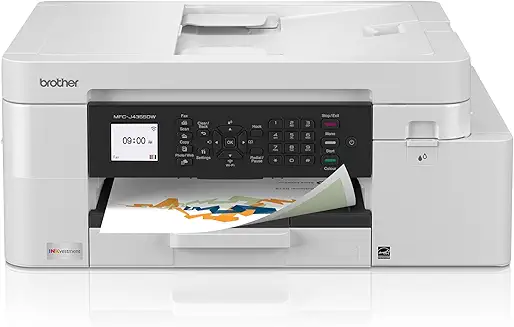
Brother
Brother MFC-J4335DW INKvestment-Tank

Brother MFC-J4335DW INKvestment-Tank

INKvestment-Tank Color Inkjet

4.3 (2,340)
Price: $209
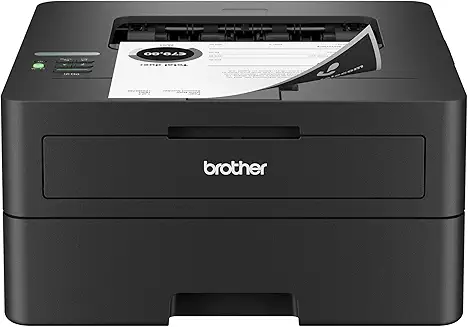
Brother
Brother HL-L2460DW Monochrome Laser Printer

Brother HL-L2460DW Monochrome Laser Printer

Compact Monochrome Laser Printer

4.6 (5,430)
Price: $179
Brother
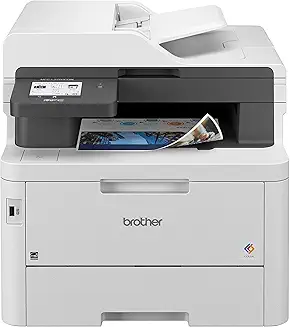
Brother MFC-L3780CDW Digital Color All-in-One

Brother MFC-L3780CDW Digital Color All-in-One

Digital Color LED All-in-One

4.4 (1,650)
Price: $569
Epson
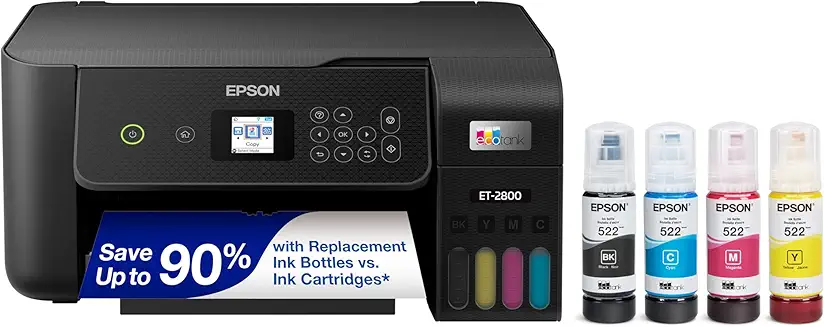
Epson EcoTank ET-2800 Wireless Supertank

Epson EcoTank ET-2800 Wireless Supertank

Cartridge-Free Supertank All-in-One

4.6 (12,450)
Price: $199
Epson
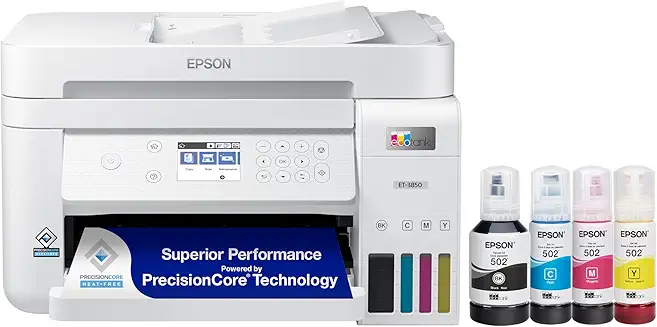
Epson EcoTank ET-3850 Wireless Supertank

Epson EcoTank ET-3850 Wireless Supertank

Supertank All-in-One with ADF

4.5 (5,670)
Price: $474
Epson
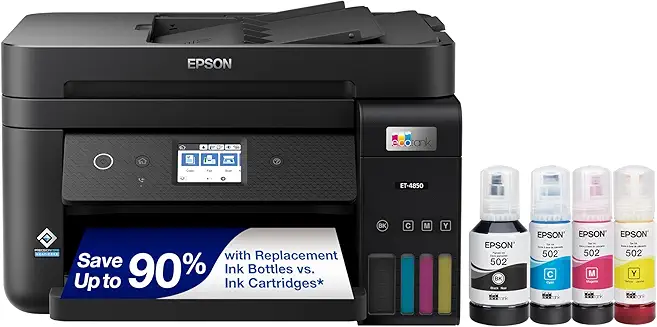
Epson EcoTank ET-4850 Wireless Supertank

Epson EcoTank ET-4850 Wireless Supertank

Premium Supertank with Ethernet

4.5 (4,560)
Price: $451

Printer Comparison at a Glance

Side-by-side breakdown of our top recommended models so you can choose the right one fast.

Feature
HP HP Envy 6000
Epson EcoTank ET-2800
Canon PIXMA TR4722
Brother HL-L2340DW
Printer Type Inkjet AIO Ink Tank AIO Inkjet AIO Monochrome Laser
Color Printing
Scan & Copy
Duplex Printing Auto Manual Auto Auto
Wireless
Best For Home & Families Low-cost printing Home Office Fast B&W Documents
Running Cost Medium Very Low Medium Low
Monthly Volume Low Medium Low-Medium Medium-High

High-Performance WiFi Routers

Upgrade your home network with our top-rated NETGEAR Nighthawk WiFi 6 and WiFi 7 routers for lag-free gaming, streaming, and office work.

NETGEAR
NETGEAR Nighthawk WiFi 6 Router (RAX30)

NETGEAR Nighthawk WiFi 6 Router (RAX30)

5-Stream Dual-Band Gigabit Router (AX2400)

4.5 (2,340)
Price: $129
NETGEAR
NETGEAR 4-Stream WiFi 6 Router (R6700AX)

NETGEAR 4-Stream WiFi 6 Router (R6700AX)

4-Stream Gigabit Router (AX1800)

4.3 (4,820)
Price: $89
NETGEAR
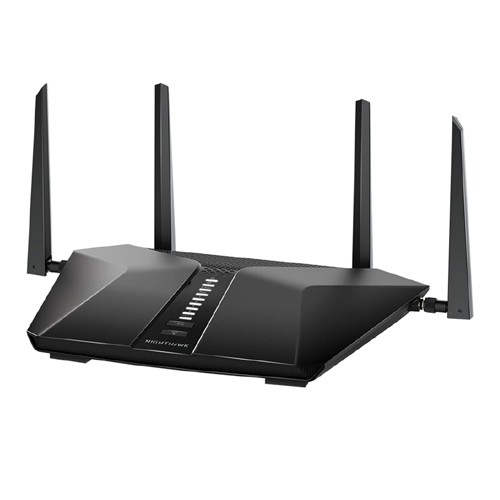
NETGEAR Nighthawk 6-Stream WiFi 6 Router (RAX54S)

NETGEAR Nighthawk 6-Stream WiFi 6 Router (RAX54S)

6-Stream Dual-Band Gigabit Router (AX5400)

4.6 (1,850)
Price: $179
NETGEAR
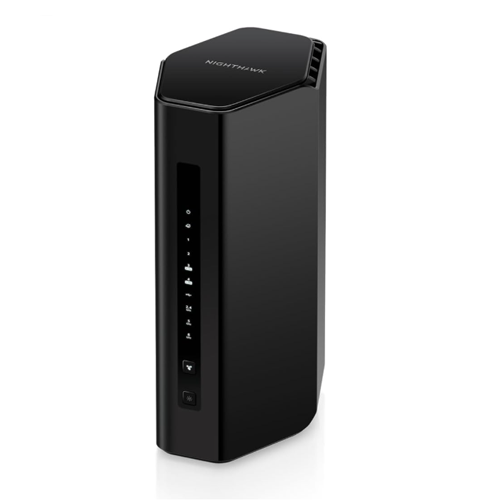
NETGEAR Nighthawk WiFi 7 Router (RS90)

NETGEAR Nighthawk WiFi 7 Router (RS90)

Dual-Band WiFi 7 Router (BE3600)

4.4 (320)
Price: $249
NETGEAR
NETGEAR Nighthawk WiFi 7 Router (RS280S)

NETGEAR Nighthawk WiFi 7 Router (RS280S)

Tri-Band WiFi 7 Router (BE9200)

4.7 (150)
Price: $399
NETGEAR
NETGEAR Nighthawk WiFi 7 Router (RS300)

NETGEAR Nighthawk WiFi 7 Router (RS300)

Tri-Band WiFi 7 Router (BE9300)

4.5 (410)
Price: $329
NETGEAR
NETGEAR Nighthawk WiFi 6 Router (RAX36)

NETGEAR Nighthawk WiFi 6 Router (RAX36)

Dual-Band WiFi 6 Router (AX3000)

4.4 (1,120)
Price: $109
NETGEAR
NETGEAR Nighthawk WiFi 6 Router (RAX43)

NETGEAR Nighthawk WiFi 6 Router (RAX43)

5-Stream Dual-Band Gigabit Router (AX4200)

4.5 (2,910)
Price: $149

Router Comparison at a Glance

Side-by-side breakdown of our top recommended NETGEAR models so you can choose the right speed and coverage.

Feature
WiFi 6 Nighthawk R6700AX
WiFi 6 Nighthawk RAX30
WiFi 6 Nighthawk RAX54S
WiFi 7 Nighthawk RS300
WiFi Standard WiFi 6 (802.11ax) WiFi 6 (802.11ax) WiFi 6 (802.11ax) WiFi 7 (802.11be)
Max Speed Up to 1.8 Gbps Up to 2.4 Gbps Up to 5.4 Gbps Up to 9.3 Gbps
Frequencies Dual-Band Dual-Band Dual-Band Tri-Band
Wired Ports 4x 1G Ethernet 4x 1G Ethernet 4x 1G Ethernet 2x 2.5G + 2x 10G Ports
Coverage Up to 1,500 sq. ft. Up to 2,000 sq. ft. Up to 2,500 sq. ft. Up to 2,500 sq. ft.
Netgear Armor
Best For Budget Smart Homes Standard Homes Heavy Streaming & Gaming Ultra-fast Fiber & Future-proof
Price Class Budget ($89) Mid-Range ($129) Premium ($179) High-End ($329)

Best Printers Under $100

Top-rated budget printers — great quality without breaking the bank.

HP DeskJet 2855e
HP

HP DeskJet 2855e

Inkjet AIO

Canon PIXMA TR4720
CANON

Canon PIXMA TR4720

Inkjet AIO

Canon PIXMA TS6420a
CANON

Canon PIXMA TS6420a

Inkjet AIO

Canon PIXMA TS4320
CANON

Canon PIXMA TS4320

Inkjet AIO

HP Envy 6155e
HP

HP Envy 6155e

Inkjet AIO

Brother MFC-J1010DW
BROTHER

Brother MFC-J1010DW

Inkjet AIO

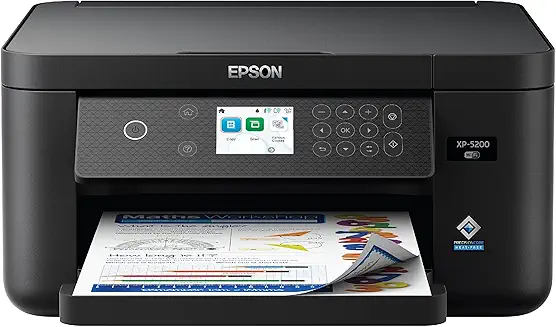
Epson Expression Home XP-5200
EPSON

Epson Expression Home XP-5200

Inkjet AIO

HP DeskJet 2827e
HP

HP DeskJet 2827e

Inkjet AIO

Frequently Asked Questions

Find answers to common questions about choosing, using, and maintaining printers.
How do I choose between an inkjet and a laser printer?
Inkjet printers use liquid ink sprayed through tiny nozzles, making them excellent for high-quality color photos and everyday documents. Laser printers use toner powder and heat, making them much faster, highly efficient for black-and-white text documents, and cheaper per page in the long run.
Which printer brand (Canon, HP, Epson, Brother) is best for home use?
The best brand depends on your needs. Canon is renowned for superb photo and graphics printing. HP offers a polished user experience and the convenient Instant Ink subscription. Epson leads with cartridge-free EcoTank technology for low running costs. Brother is the gold standard for reliable, high-volume laser printing.
What is a supertank (or ink tank) printer, and is it worth it?
Supertank printers (like Epson EcoTank or Canon MegaTank) replace traditional ink cartridges with large, refillable ink reservoirs. While the initial purchase price of the printer is higher, they come with thousands of pages worth of ink and have extremely low refill costs, making them highly economical if you print regularly.
Can I print wirelessly from my smartphone or tablet?
Yes, almost all modern wireless printers support mobile printing. You can use standard protocols like Apple AirPrint (for iOS) and Mopria Print Service (for Android), or download the manufacturer's dedicated app (such as HP Smart, Canon PRINT, or Epson Smart Panel) to print directly.
What does "All-in-One" (AIO) mean in printer specifications?
An All-in-One printer combines multiple office functions into a single device. In addition to printing, it includes a flatbed scanner (and often an automatic document feeder) to handle scanning, photocopying, and sometimes faxing.
How do I connect my new printer to a Wi-Fi network?
Most wireless printers can be connected using the manufacturer's mobile app via Bluetooth setup, or through the printer's onboard LCD screen by selecting your Wi-Fi network and entering the password. Alternatively, you can use WPS (Wi-Fi Protected Setup) on your router for one-touch connection.
What is the average lifespan of a modern consumer printer?
A typical home or home-office printer lasts between 3 to 5 years. With proper maintenance, such as regular printhead cleaning and keeping the printer free of dust, some high-quality laser and ink tank models can easily last 7 to 10 years.
Is it better to buy original OEM ink or third-party compatible cartridges?
Original Equipment Manufacturer (OEM) ink offers the highest print quality, color accuracy, and reliability, and prevents clogging. Third-party compatible cartridges are significantly cheaper but can vary in quality, occasionally clog printheads, or void your printer's warranty if they cause physical damage.
What is duplex printing, and why is it important?
Duplex printing is the ability of a printer to automatically print on both sides of a sheet of paper. This feature saves paper (reducing costs and waste by up to 50%) and is highly convenient for printing multi-page reports, booklets, or presentations without manual flipping.
How do I prevent my printer's ink from drying out?
To prevent ink from drying out and clogging the nozzles, print at least one test page (with both color and black ink) every week or two. Additionally, always turn the printer off using its own power button rather than a smart plug, as this allows the printer to seal the printheads properly.